Managing your digital life efficiently often begins with a single, secure access point, and for millions around the world, that point is Google One Login. With Google’s expansive suite of services — from Gmail and Google Drive to YouTube and Google Photos — a unified login not only simplifies user access but also enhances security across platforms. Whether you're a casual user or a digital professional, understanding how to sign in and manage your Google account is essential for maximizing the benefits of the Google ecosystem.
Why Google One Login Matters
When you use Google One Login, you're essentially using a unified access method to tap into a range of Google services. This approach ensures:
- Simplicity: One password and one email give you access to everything from Docs and Sheets to Maps and Calendar.
- Security: Google's robust security infrastructure, including two-step verification, protects your account.
- Centralized Control: Manage settings, preferences, subscriptions, and more from a single dashboard.
Knowing how to sign in and manage your account efficiently empowers you to control your personal data, improve productivity, and enhance your online experience.
How to Sign In to Google
Logging into your Google account is straightforward. Follow these steps to sign in securely:
- Navigate to the Google homepage or any other Google service like Gmail.com.
- Click on the “Sign in” button located at the top right corner of the page.
- Enter your Google email address (for example, example@gmail.com) and click Next.
- Type in your password and click Next. If your credentials are correct, you will be logged in immediately.
If you have enabled two-step verification, you will need to complete a second authentication step, such as entering a code sent to your mobile phone or confirming a prompt received on another device.
How to Create a Google Account
If you don’t yet have a Google account, creating one is easy and free. Here’s how you can get started:
- Go to Google Accounts Sign-Up Page.
- Fill in your personal information including first and last name, desired email address, and password.
- Verify your mobile phone number to secure your account and enable password recovery options.
- Agree to Google’s Terms of Service and Privacy Policy to complete the process.
Your new Google account opens the door to a wide range of services and personalization options.
Managing Your Google Account
Once you’ve signed in, it’s crucial to know how to manage your account settings. Google offers a centralized dashboard called “My Account” where you can control various aspects of your digital presence:
1. Personal Info
Update your name, phone number, and recovery email. This information helps Google personalize your experience and enhances account recovery capabilities.
2. Security Settings
Navigate to the Security section to:
- Change your password.
- Set up or modify two-step verification methods.
- Review recent security activity and manage third-party access to your account.
3. Privacy Controls
Google provides a Privacy Checkup feature where you can choose what data gets saved, such as:
- Web and App Activity
- Location History
- YouTube Search and Watch History
Adjust these settings according to your comfort level to maintain control over your personal data.
4. Account Storage
Under the Google One umbrella, Google provides a unified storage system that includes Gmail, Drive, and Photos. The free tier offers 15 GB, but you can upgrade for more space.
To manage your storage:
- Go to your Google One Storage Page.
- View usage statistics and which services are consuming the most space.
- Upgrade your plan as needed for additional features like advanced AI photo editing, phone backup, and extended customer support.
Using Google on Multiple Devices
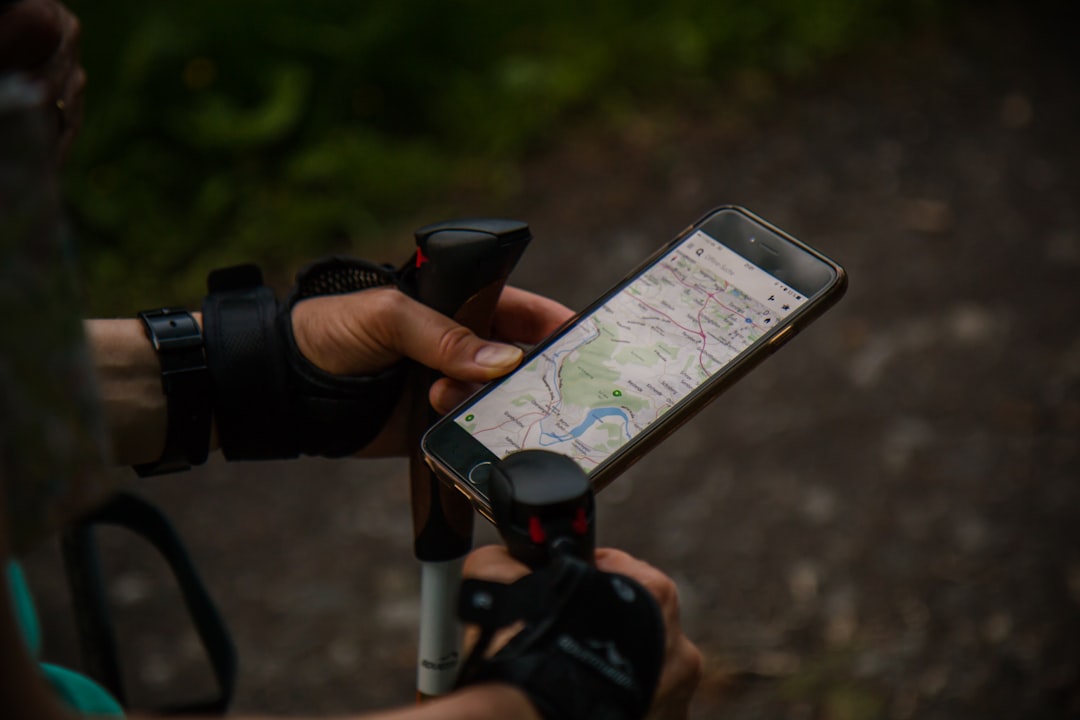
Your Google account is accessible on all your devices — phones, tablets, and computers. To ensure cross-device synchronization:
- Install Google apps such as Gmail, Drive, and Photos on your mobile device.
- Sign in with the same Google account across all devices.
- Enable sync options under each app’s settings to keep data updated in real-time.
Accessing your information anytime, anywhere makes remote work, travel, and daily communication much more manageable.
Recovering a Lost or Hacked Google Account
No system is completely immune to security breaches. Fortunately, Google provides robust tools for recovering access if your account is compromised or you forget your password:
- Go to the Account Recovery page.
- Enter your email address and follow the prompts.
- You may be asked to verify your identity via text message, email to your recovery address, or answer your security questions.
Always keep your recovery information up to date. This helps you reclaim access quickly and minimize disruption.
Best Practices for Google Account Security
Your Google account contains sensitive information and should be protected accordingly. Here are some top security tips:
- Use a strong, unique password combining letters, numbers, and symbols.
- Enable two-step verification to add a second layer of protection.
- Regularly review device activity from your Security dashboard to spot suspicious logins.
- Be cautious of phishing emails that ask for your credentials. Always check the URL before entering your password.
Security is a continuous process. Staying vigilant goes a long way in keeping your data safe.
Conclusion
Google One Login is more than just a convenience — it's a critical tool for managing digital life responsibly and securely. Through a central account, users can access a multitude of Google services, control personal information, fine-tune privacy settings, and safeguard against potential threats. Whether you're creating a new account or managing an existing one, understanding the tools available to you ensures a secure and optimized experience within the Google ecosystem.
By taking the time to configure your Google account correctly, you're investing in your digital security and personal efficiency. Make use of all available tools, stay informed, and keep your data under your control — because in today’s connected world, your Google account is one of your most important digital assets.