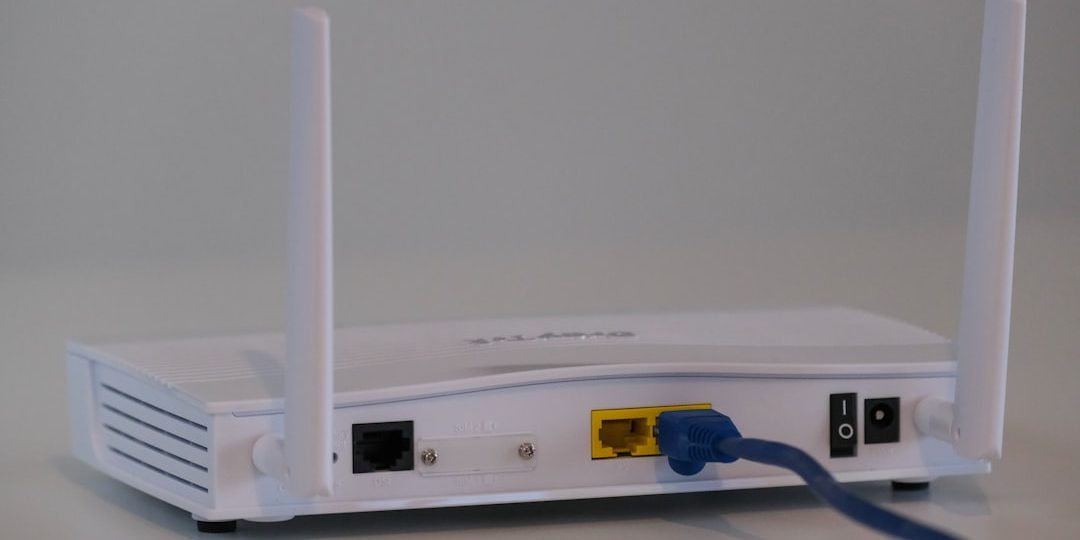
Got spotty Wi-Fi in parts of your home? You're not alone. Many people struggle with weak signals in certain rooms. That’s where Ethernet backhaul comes to the rescue. It helps extend your network using existing wiring in your home. But you might be wondering—should you go with Powerline or MoCA?
Let’s dive into this tech showdown in a fun and simple way. You don’t need to be a network engineer to get it. We'll break it down step by step.
What is Ethernet Backhaul?
First things first. A backhaul is just the path data takes between your Wi-Fi hubs and your router. Ethernet backhaul means these hubs are connected using actual cables instead of noisy Wi-Fi signals. That makes your whole home network faster and more reliable.
But what if you can’t run Ethernet cables through your walls? That’s where cool tech like Powerline and MoCA comes into play. They let you use the wiring that’s already in your home.
Powerline: Ethernet Through Electrical Outlets
Powerline tech uses the electrical wiring in your house to send data. Yep, your power outlets become network ports. Wild, right?
Here’s how it works:
- Plug one adapter into a power outlet near your router and connect it with an Ethernet cable.
- Plug another adapter in a different room and connect your device to it. Boom—wired network!
Pros:
- Super easy to set up. Just plug and play.
- No need to snake wires through walls.
- A good option for older homes with no Ethernet.
Cons:
- Speed can vary a lot. Your home’s electrical wiring quality really matters.
- Doesn’t like circuit breakers or power strips. Those reduce performance.
- Not great for gaming or 4K streaming if you live in a big house.
Powerline is a good basic option, especially for smaller homes. But speed-wise? It can be hit or miss.
MoCA: Ethernet Over Coax Cables
MoCA stands for Multimedia over Coax Alliance. Fancy name, but here’s the cool part: MoCA uses the coaxial cables that cable TV runs on. So, if you’ve got cable jacks in different rooms, you’re in luck!
Image not found in postmeta
Here’s how MoCA works:
- Plug a MoCA adapter into a coax jack near your router and connect it via Ethernet.
- Do the same in another room and connect your device or Wi-Fi hub. Fast, stable internet!
Pros:
- Blazing fast speeds—up to 2.5 Gbps with the latest models.
- Super stable and reliable.
- Perfect for large homes and gigabit internet plans.
Cons:
- More expensive than Powerline adapters.
- Only works if you have coax jacks available where you need them.
MoCA is basically Ethernet in disguise. It’s fast, it’s dependable, and it rarely gets cranky.
Performance Comparison
Let’s make it easy with a quick chart:
| Feature | Powerline | MoCA |
|---|---|---|
| Speed | Up to 1000 Mbps (real-world speeds often lower) | Up to 2500 Mbps (very close to actual Ethernet) |
| Stability | Depends on electrical wiring | Very stable |
| Installation | Easy | Moderate |
| Cost | Lower | Higher |
| Ideal Use | Small to mid-size homes, casual usage | Large homes, gamers, streaming |
When to Use Powerline
Go with Powerline if:
- Your home has no coax ports where you need them.
- You want a fast and easy fix.
- You’re okay with “good enough” internet speed.
- Your house isn’t too big or complex.
It's a great entry-level solution. Plug them in, and you’re good to go!
When to Use MoCA
Pick MoCA if:
- You already have coax ports available.
- You need high-speed, low-latency connections.
- You plan on doing 4K streaming, video calls, or online gaming.
- Reliability is important in different areas of your home.
It’s a bit more technical to set up than Powerline, but the payoff is worth it. Your internet will fly!
Important Tips
Before you choose one over the other, keep these things in mind:
- Try not to plug Powerline adapters into surge protectors. That’ll kill your speed.
- Make sure your coax network is clean—no splitters that block MoCA frequencies.
- Test your speeds before and after installing either system. It helps you see the improvement.
Can You Use Both?
Technically, yes. But it’s not recommended. Powerline and MoCA don’t overlap or communicate with each other. You could end up with inconsistent performance or harder troubleshooting. Stick with one, and get it running well.
Image not found in postmeta
Final Thoughts
Choosing between Powerline and MoCA really comes down to this:
- If you want quick, budget-friendly internet extension, go Powerline.
- If you care about speed and reliability, and have the gear, choose MoCA.
Whatever you pick, you'll get a better home network. That means faster videos, happier Zoom calls, and maybe even fewer fights over who used up all the bandwidth.
Happy surfing!