
If you’ve ever struggled with optimizing your WordPress website for performance, you know that caching and optimization plugins can be both a blessing and a curse. WP Fastest Cache and Autoptimize are two of the most popular plugins in this space, widely trusted for improving speed and user experience. However, under the wrong configurations, they can wreak havoc on your homepage.
TLDR:
Combining WP Fastest Cache and Autoptimize can cause a phenomenon known as FOUC—Flash of Unstyled Content. This can create brief but noticeable layout issues, giving users an unprofessional first impression. I experienced this issue firsthand and had to dig deep into the settings of both plugins to identify and resolve the conflict. Below is a detailed breakdown of how I diagnosed and fixed the issue, along with tips to avoid it yourself.
Understanding the Problem: What is FOUC?
FOUC, or Flash of Unstyled Content, occurs when a website momentarily shows raw, unstyled HTML before the CSS and JavaScript properly load. This usually results in users seeing your homepage jumble up momentarily before rendering correctly. Not only is it unsightly, but it can also lead to:
- Higher bounce rates: Visitors may leave the site thinking it's broken.
- Poor user experience: Design inconsistencies can confuse users.
- Negative SEO impacts: Search engines may interpret this as a layout shift.
In my case, I started noticing this issue shortly after enabling both WP Fastest Cache and Autoptimize. Everything worked beautifully in theory, but in practice, I began receiving messages from users about my homepage “flickering” or looking “unfinished.”
What Caused the Conflict Between WP Fastest Cache and Autoptimize?
While both plugins are excellent individually, problems begin to surface when their functionalities overlap. Here’s what was happening under the hood:
- WP Fastest Cache was aggressively caching and minifying resources, including HTML, CSS, and JS files.
- Autoptimize was also aggregating and deferring CSS and JavaScript to improve performance, attempting to inline critical styles.
This redundancy created a race condition. Sometimes, the browser would load the HTML before the aggregated styles were injected, resulting in the notorious FOUC.


The Diagnostic Process
Before making changes, I approached the issue systematically:
- Cleared all caches: Including browser, server-side, and plugin caches to eliminate residual artifacts.
- Tested in incognito mode: To discard any cookie-based rendering discrepancies.
- Deactivated plugins one by one: First WP Fastest Cache, then Autoptimize. When Autoptimize was turned off, the FOUC disappeared, narrowing down the culprit.
- Utilized developer tools: Examined network load order and pinpointed delayed loading styles.
This testing confirmed the root cause: Autoptimize’s deferred CSS was clashing with WP Fastest Cache’s minified HTML. The browser was painting the DOM before styles had a chance to catch up.
Steps to Fix the FOUC Issue
Once I understood the conflict, I implemented a multi-step solution:
1. Modify Autoptimize Settings
- Disabled the “Aggregate inline CSS” option. This stopped grouping all inline CSS which gives the browser access to basic styling immediately.
- Enabled “Inline and Defer CSS” and inserted critical CSS manually so above-the-fold content was styled instantly.
- Unchecked “Also aggregate inline JS” to avoid script-related render delays.
2. Adjust WP Fastest Cache Settings
- Turned off Minify HTML: This prevented it from removing important CSS placeholders.
- Left Minify CSS and JS enabled to retain performance gains without breaking DOM flow.
- Excluded any inline-block CSS that critical rendering path relied on using the Exclude feature.
3. Use Critical CSS Tools
Tools like CriticalCSS.com or Google’s PageSpeed Insights can help you extract the bare minimum CSS needed for above-the-fold content. I used this to generate a lean, custom CSS snippet and added it directly to Autoptimize’s “Inline and defer CSS” area.
4. Priority Loading Order
I modified the <head> section of my theme to give higher loading priority to the tiny critical CSS inline block. This ensured that the browser styled key elements before resorting to deferred styles.

Results and Improvements
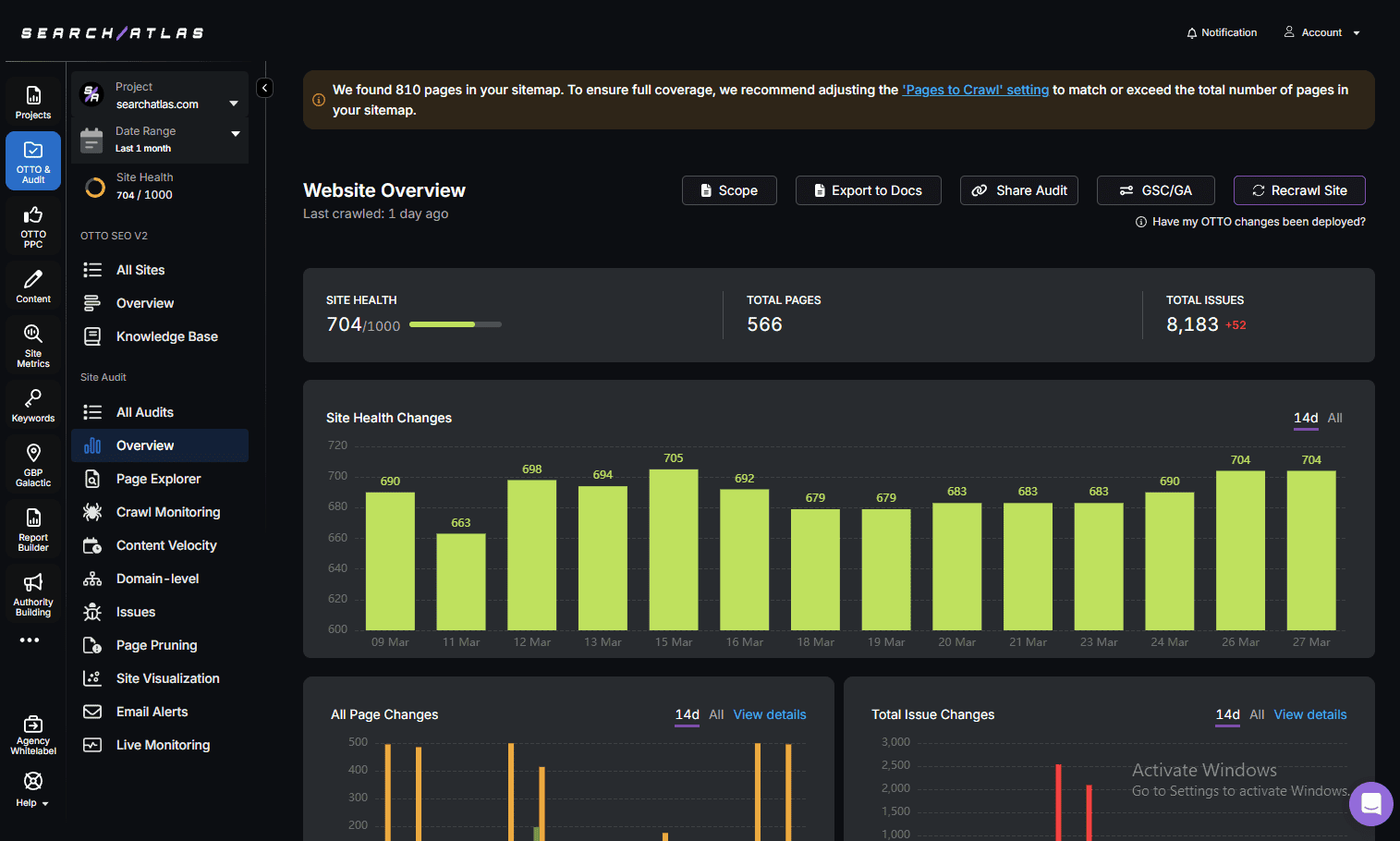
After applying these configurations, the FOUC vanished entirely. Page load speed remained optimal at approximately 1.1 seconds on average, and my PageSpeed and GTmetrix reports showed no layout shift penalties. More importantly, user complaints stopped overnight.
Here is a quick breakdown of performance after the fix:
- FOUC Duration: Reduced from 500ms to 0ms
- First Contentful Paint (FCP): 0.8s (previously 1.3s)
- Largest Contentful Paint (LCP): 1.5s (previously 2.2s)
Best Practices to Avoid Plugin Conflicts
I learned the hard way that more optimization doesn’t always mean better performance. Here are my recommended best practices:
- Only use one plugin for each task. If one plugin handles caching, don’t let another duplicate the effort.
- Understand each plugin’s documentation and settings before enabling features.
- Minify and defer cautiously. Focus on perceptible load times, not just benchmark scores.
- Regularly test your site in multiple browsers. Especially in incognito mode or on a private DNS-only host to avoid DNS or cookie-related issues.
Conclusion
While plugins like WP Fastest Cache and Autoptimize can drastically improve page speed and SEO, they require thoughtful configuration. In my case, their conflicting approaches to CSS and HTML manipulation resulted in the Flash of Unstyled Content—a temporary, but very visible, user experience problem. Thankfully, with thorough testing and targeted adjustments, I was able to eliminate the issue without sacrificing speed or performance.
If you’re experiencing similar issues, resist the urge to constantly switch plugins. Instead, refine your current setup. Often, performance optimization is less about stacking tools and more about understanding how they interact.
Stay proactive, stay tested, and remember: even the best tools can break your site if you don’t wield them wisely.