
In the world of Windows drivers and operating system integrity, few components are as influential and restrictive as Driver Signature Enforcement (DSE). For those who work with custom or modified drivers, DSE can be both a safeguard and an obstacle. Enter DSE Patcher—a compelling tool used by developers, testers, and tech enthusiasts to bypass some of these roadblocks and gain more control over their systems.
Understanding Driver Signature Enforcement (DSE)
Driver Signature Enforcement is a security feature in Microsoft Windows designed to ensure system stability and security. It requires that every driver loaded by the system be signed by a trusted certificate authority. This means, unless you’re a certified developer with access to official signing tools, your custom or modified driver simply won’t load.
While this might sound restrictive, it serves a valuable purpose: it prevents malicious or unstable drivers from compromising a system. Still, there are legitimate reasons someone might want to bypass this mechanism, particularly in development and experimental contexts. That’s where DSE Patcher comes in.
What Is DSE Patcher?
DSE Patcher is a utility that disables Windows Driver Signature Enforcement so users can load and test unsigned drivers. This is especially helpful for:
- Developers working on new hardware drivers
- Researchers analyzing kernel behavior or exploring low-level hardware interaction
- Software modders and system customizers
The tool works by modifying specific parts of the Windows kernel to disable the enforcement of digital signatures during the driver loading process. It’s worth noting that this is a non-standard operation and should be used cautiously, especially on production machines.

How DSE Patcher Works
DSE Patcher interacts directly with Windows' kernel-mode components. More specifically, it targets certain flags or variables in the memory layer that dictate whether signature checks are enforced when loading drivers. Here's a general overview of how the process works:
- Accessing Kernel Memory: DSE Patcher uses a kernel-mode driver or exploit to access and change protected areas of memory in the Windows operating system.
- Disabling Signature Checks: It identifies and flips the boolean or flag values used by Windows to determine if a driver must be signed. Changing these allows the system to load unsigned drivers without raising an error.
- Verification: Often, DSE Patcher tools include verification or diagnostic tools to ensure that enforcement is truly disabled and that your unsigned driver can load as expected.
This modification can be temporary—active only until the next reboot—or permanent, depending on the tool version and options selected by the user.
Risks and Considerations
Using DSE Patcher isn't without its risks. Since it modifies kernel-level operations, improper use can have unintended side effects. Some of the key concerns include:
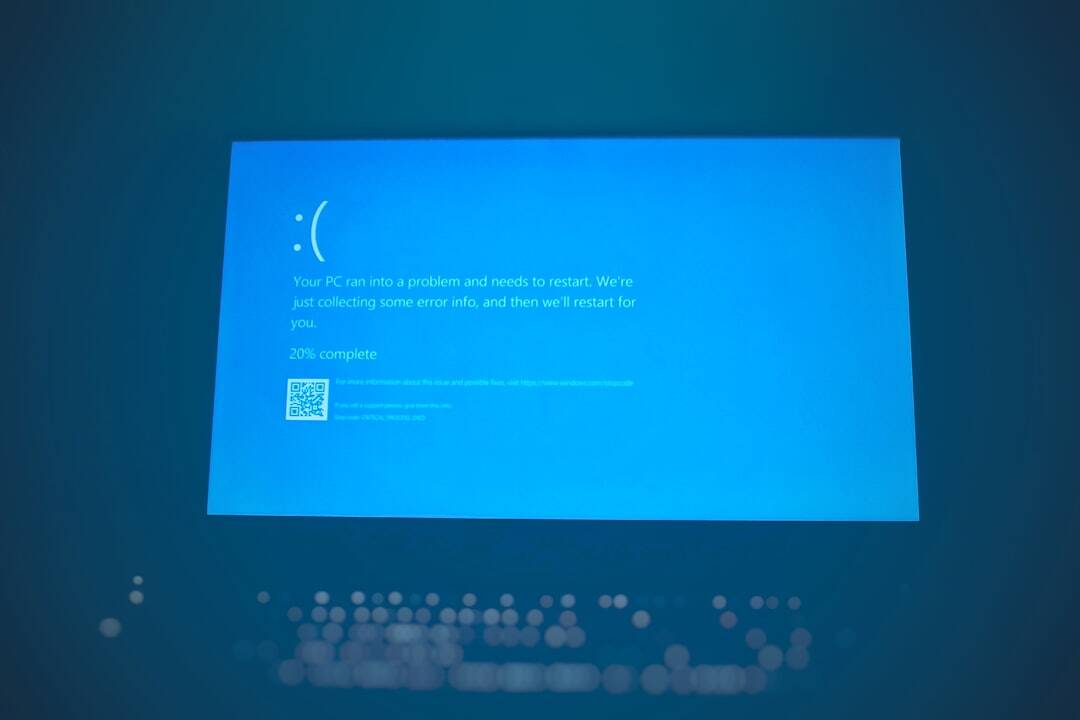
- System Instability: Changing low-level behaviors in the operating system can lead to crashes, blue screens, or data corruption.
- Security Vulnerabilities: By disabling driver signature checks, you open the door for unsigned (and potentially malicious) drivers to load unnoticed.
- Windows Updates and Compatibility: Updates may reverse the patch or cause conflicts, making it necessary to re-apply or reconfigure DSE Patcher.
Therefore, it’s highly recommended that only advanced users familiar with Windows internals use this tool. Always back up your system or test in a virtual machine before applying changes to a live environment.

Common Use Cases
Despite the risks, there are genuine scenarios where disabling DSE is helpful or even necessary:
- Hardware testing: When manufacturing hardware devices and testing beta drivers, DSE Patcher facilitates early evaluation without the delays of formal certification.
- Legacy support: Running drivers on newer systems that are no longer officially supported can often require signature bypasses.
- Educational and research purposes: Security researchers and computer science students often use DSE patchers for in-depth kernel experiments.
Final Thoughts
While DSE Patcher offers powerful capabilities, it walks a fine line between innovation and vulnerability. Used wisely, it enables driver development and experimentation that would otherwise be blocked by the default secure configurations of Windows. However, like all tools that operate at the kernel level, it should be employed with caution and deep understanding.
If you're stepping into the world of driver development or kernel research, DSE Patcher could prove to be an invaluable companion—just make sure you know exactly what you’re unlocking.