Welcome to the world of image to video tools! If you’re a U.S. marketer or social media manager, this guide is for you. We’ll explore how to turn static images into scroll-stopping videos. And we’ll do it in a way that's fun, fast, and easy.
Why Turn Images into Videos?
Let’s face it: plain images just don’t cut it anymore. Video grabs attention and gets better engagement. According to stats, videos generate up to 1200% more shares than images and text combined. That’s huge!
But what if you don’t have a camera crew or editing skills? No problem. That’s where image to video tools come in.
Top Features to Look For
Not all tools are created equal. Here’s what you should look for:
- Easy drag-and-drop editors – no need to be tech-savvy
- Cool transitions and effects – make your visuals pop
- Music libraries – add some groove to your graphics
- Text overlays – for call-outs, captions, or branding
- HD output and social media optimized sizes
Ready to dive in? Let’s check out some top tools you need to know.
1. Animoto
Perfect for: Marketers looking for ease of use
Animoto is a drag-and-drop video maker that lets you upload images, add music, and produce professional videos in minutes.
Highlights:
- Templates for marketing, events, and promos
- Huge stock library
- Free and paid versions
2. Canva Video
Perfect for: Social media managers and small businesses
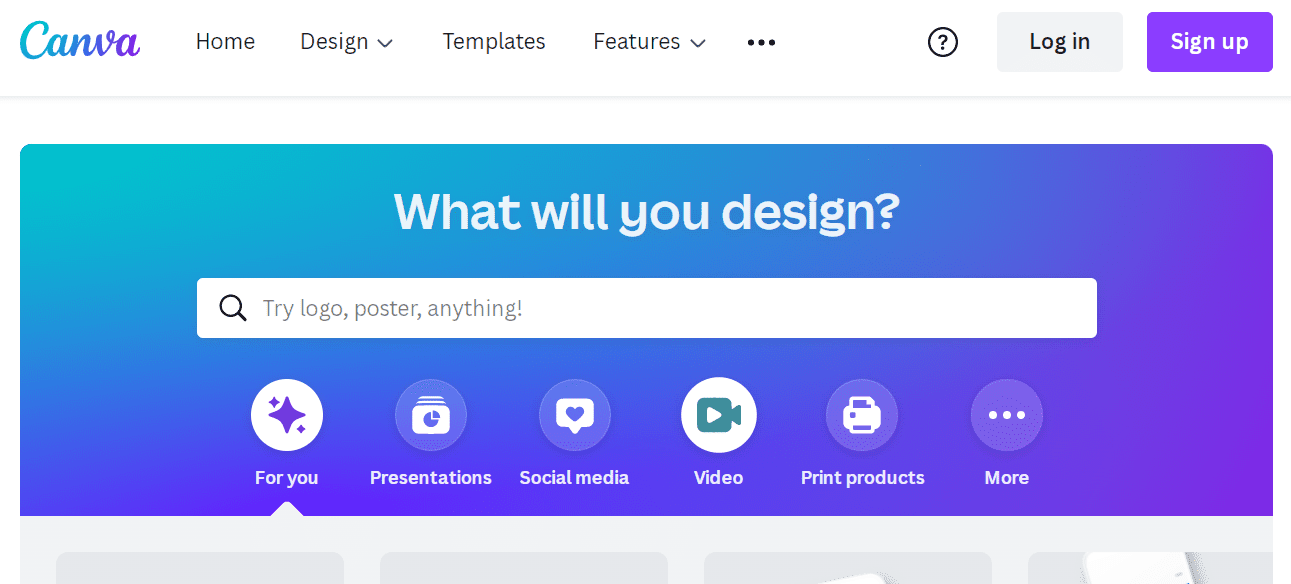
Yep, Canva does more than graphics. Its video feature turns image slides into animated stories with sound. Super intuitive!
Highlights:
- Custom templates for each social platform
- Animations and timed transitions
- Easy resizing for Instagram, Facebook, TikTok, and more
3. InVideo
Perfect for: Agencies and advanced users
InVideo packs a punch. It’s filled with pro features but still beginner-friendly. Just upload photos, pick a style, and watch the magic happen.
Highlights:
- AI-powered video creation
- Rich media library
- Brand kit integration
4. Pictory
Perfect for: Content repurposing and social storytelling
Pictory lets you turn blog posts and long-form content into short videos using images. It’s a fantastic way to get more life out of your existing content.
Highlights:
- Automatic script-to-video conversion
- Voice-over support
- Social-ready output
Why U.S. Marketers Love These Tools
This isn't just about making content prettier. It’s about saving time, increasing reach, and getting better ROI.
Here’s what makes these tools a game changer:
- Fast turnaround times
- On-brand visuals, every time
- One-click sharing to social platforms
Plus, your audience is video hungry. Whether it’s Instagram Reels, Facebook Stories, or YouTube Shorts, video is the king of content.
Tips to Make Your Image-Based Video Shine
- Use high-resolution images – no one likes blurry visuals
- Keep text short and sweet – grab attention fast
- Add music or voice-over – adds emotion and punch
- Use brand colors and fonts – consistency builds trust

Final Thoughts
Image to video tools are booming. And they’re not just for big-budget campaigns. Whether you're running a boutique agency or managing a few products on Etsy, these tools can help bring your visuals to life.
So go ahead—take those beautiful images sitting in your camera roll and make them move!
You'll be amazed at how much engagement a 15-second video can offer. Happy creating!