
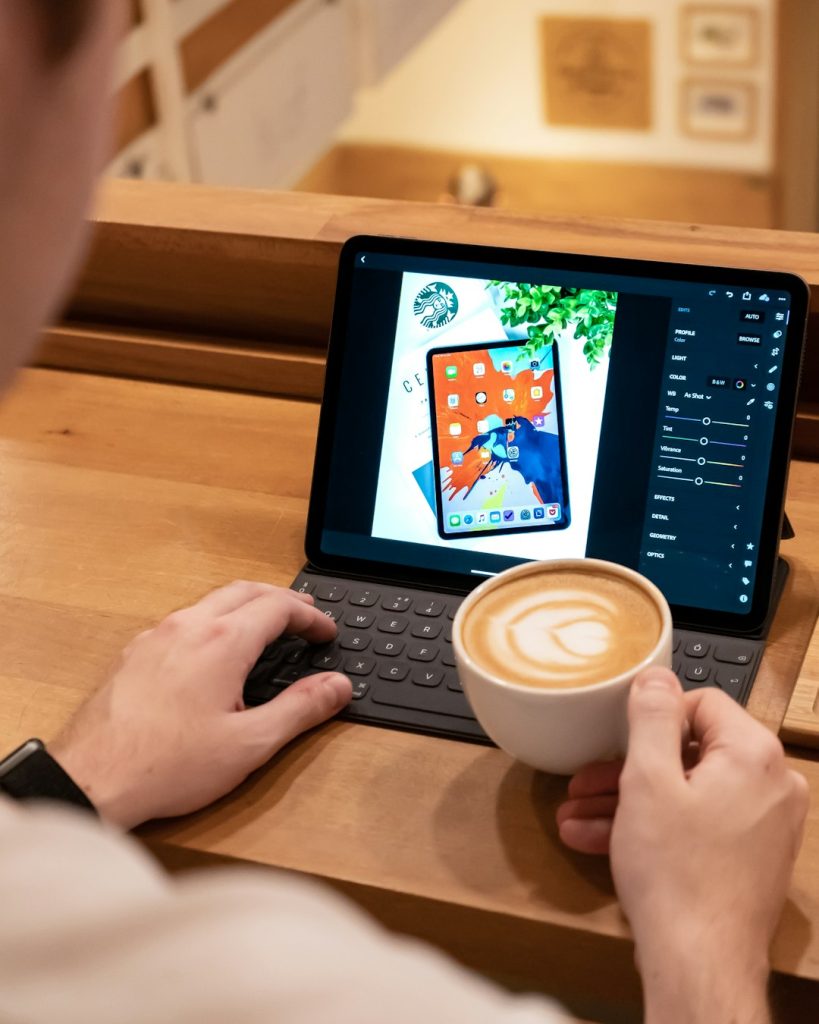
Thinking about replacing your laptop with an iPad for writing and coding? You’re not alone! Over the years, iPads have become more powerful, and today, they’re close to being full laptop alternatives. But can they really match a laptop when it comes to serious work like writing novels or developing apps?
Why Would You Use an iPad?
The iPad is lightweight, slick, and has long battery life. It’s quick to boot up and easy to carry. If you like working from a coffee shop, traveling light, or simply want a break from clunky laptops, an iPad could be your new best friend.
But let’s dive into the real talk. Can you write and code comfortably on an iPad?
Writing on the iPad: Smooth as Butter
Writers have been loving the iPad for years. Why?
- Great writing apps – from Apple Notes to Ulysses to Microsoft Word, the iPad has it all.
- Distraction-free mode – you can shut out notifications with Focus Mode.
- Split screen – research on one side, write on the other. Simple multitasking done right.
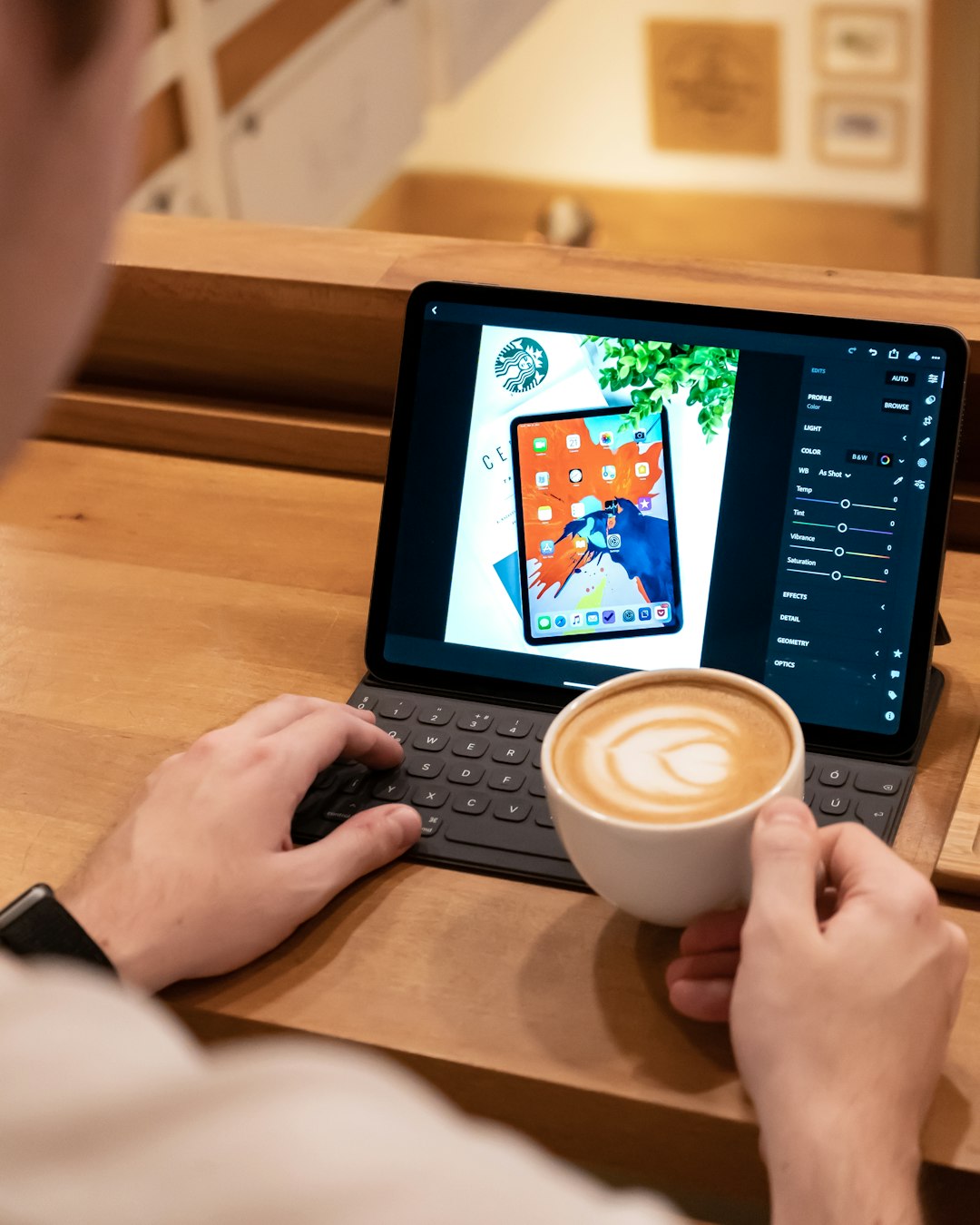
- External keyboard support – connect a Magic Keyboard or any Bluetooth keyboard and type away.
Just imagine: sitting at a cozy café with your iPad, typing your next bestseller or tech blog article.

Even handwriting fans have options. Apps like GoodNotes or Notability let you write with the Apple Pencil. It’s perfect for drafting, outlining, or simply brainstorming ideas.
Pro Tip:
Pair your iPad with a tactile keyboard. Your words will just flow better. The Magic Keyboard or Logitech Combo Touch are top picks.
What About Coding?
This is where things get interesting. Coding on iPad used to be… let’s say… tricky. But now? It's way better. Here's what’s changed:
- Text editors for coding – Textastic, Koder, and Buffer Editor are popular choices.
- Juno and Carnets – these are great for Python and data science work.
- Git support – tools like Working Copy let you manage code directly from Git repositories.
- SSH apps – use Secure ShellFish or Prompt to connect to your servers. Code remotely!
If you're a web developer or work with scripts, this setup might be all you need.
Combine a brilliant front-end editor, a code connection to a remote server, and voilà – you’re in business.
But What Can't the iPad Do (Yet)?
Let’s be real. Some things still feel easier on a laptop. For example:
- Compiling large projects locally – not all languages are supported natively.
- Running Docker – that’s a big no-go on iPadOS… for now.
- Advanced IDEs – no full Visual Studio, JetBrains, or Eclipse experience (though VS Code for Web is a good start).

If you're coding in Swift, Apple has now added Swift Playgrounds that even supports building full apps. That’s pretty wild! You can actually submit apps to the App Store from your iPad.
Okay, So Is It Right for You?
Let’s break it down with a simple quiz:
- Do you mostly write, research, or blog?
- Are you learning to code or doing light scripting/web dev?
- Do you use a lot of cloud-based tools and services?
- Do you love portability?
If you said yes to most of those… boom. iPad is for you.
But if you’re into low-level programming, need power tools like Docker, or compile large codebases – stick with your Mac or PC (for now).
Accessories That Make the Difference
The iPad by itself is cool. But when you add a few extra parts… it becomes magic.
- Keyboard case – such a game-changer. Apple’s Magic Keyboard is amazing, but Logitech’s options are budget-friendly and awesome too.
- Apple Pencil – take notes, sketch diagrams, or annotate your code plans. Feels natural.
- Trackpad or mouse – iPadOS now supports them. It makes multitasking and editing much faster.
- USB-C Hub – connect a flash drive, SD card, or even a monitor!
Set up your iPad right, and you might never look back.
Cloud Tools Make It Shine
Here’s a little secret. The iPad becomes WAY more powerful when you use cloud-based tools.
Here are some favorites among coders and writers:
- Replit – code in your browser, dozens of languages, even collaborate live with friends.
- GitHub Codespaces – premium, but powerful for pro dev workflows.
- Google Docs / Notion / Dropbox Paper – perfect for live writing and organizing blog drafts.
As long as you’ve got Wi-Fi, you can get serious work done with just your fingertips.
Battery Life Is Insane
Depending on your iPad model, you can expect 10 to 12 hours of use. That means you can write a novel, edit code, or run through tutorials all day without being tied to an outlet.
The iPad is silent too. No fan noise. No overheating. Just you and your creative flow.
Try that with your old laptop sitting on your legs at full throttle. Toasty, right?
The Verdict
Is the iPad a laptop replacement for writing and coding?
Yes… for most people.
Writers will be thrilled. Coders doing lightweight or remote work will do just fine. If you're willing to adapt, use cloud tools, and embrace the iPad lifestyle, it can be a joy to work with.
Still unsure? Try using your iPad exclusively for a week. You might be surprised at how productive (and fun) it can be.

Final Tips
- Stick to cloud services to avoid iPad file system weirdness.
- Back up your data – use iCloud, Dropbox, GitHub, or similar.
- Use widgets – customize your home screen for quick access to your tools.
- Set up Focus modes – turn your iPad into a true productivity machine.
So whether you’re writing your first novel, grinding out JavaScript, or taking notes in a lecture, the iPad might just surprise you.
Less bulk. More flexibility. Who knew?