
Encountering a Cloudflare Error 521 can be incredibly frustrating, especially when your website appears fine from your perspective, but visitors are being shown a message that the web server is down. Whether you're managing a small blog or a large-scale ecommerce platform, resolving this issue promptly is essential to keep your website reliable and trustworthy for users.
This article will guide you through effective and straightforward solutions to fix Cloudflare Error 521. We’ll explain what causes the error, how to diagnose the root of the problem, and the steps you can take to resolve it—all in a manner that doesn’t require advanced server management experience.
What is Cloudflare Error 521?
Error 521 is a specific HTTP response code that Cloudflare returns when it cannot make a TCP connection to your web server. In simpler terms, Cloudflare is trying to connect to your server to relay the browser request, but your server is refusing the connection or failing to respond.
This situation typically arises due to the following main causes:
- Your server is offline or misconfigured.
- The server firewall is blocking Cloudflare's IP addresses.
- There is an issue with your web server's software (e.g., Apache, Nginx, etc.).
Before diving into the fixes, let’s take a closer look at how to properly identify the issue.
Diagnosing the Issue
When facing a 521 error, your top priority should be determining whether your origin server is, in fact, accessible and running correctly. Here's how you can do that:
- Check server uptime: Log in to your VPS, cloud, or shared hosting panel and confirm that your server is running. If you're using a control panel like cPanel or Plesk, look under “Server Status.”
- Direct IP access: Try accessing your server by entering its IP address directly in the browser. If you can load a page or see any response, your server is likely online.
- Use cURL or Telnet: From your local machine or any terminal, use a command such as
curl http://[your-IP]ortelnet [your-IP] 80to test port connectivity. If the server does not respond, it's likely either down or blocking access.

Once you confirm that the issue is with the server or network configuration, proceed with the following steps to resolve Error 521.
How to Fix Cloudflare Error 521
1. Make Sure Your Web Server is Online
Begin with the most obvious but sometimes overlooked issue—server downtime. Log into your hosting account and make sure your server is up and running. If you're using shared hosting, consider reaching out to your host’s support team to verify this.
If your server crashed recently due to traffic spikes, lack of resources, or scheduled maintenance, restart your server and check if the error clears up.
2. Check Your Server’s Firewall Settings
Firewalls are critical for protecting web environments, but they can sometimes be too strict. A common mistake is inadvertently blocking Cloudflare's IP addresses, which leads directly to Error 521.
Follow these steps to configure your firewall correctly:
- Whitelist all of Cloudflare’s IP ranges in your server’s firewall. This allows Cloudflare to access your server freely.
- If you use tools like UFW (on Ubuntu) or firewalld (on CentOS), consult documentation or your server administrator to apply changes correctly.
Here’s an example command using UFW:
sudo ufw allow from [Cloudflare-IP] to any port 80,4433. Ensure Web Server Software is Running Appropriately
Error 521 may also result from a misconfigured or crashed web server process like Nginx or Apache.
To check if Apache is running:
sudo systemctl status apache2To check if Nginx is running:
sudo systemctl status nginxYou can restart your service using:
sudo systemctl restart apache2
sudo systemctl restart nginx
After restarting, return to your browser and refresh your site to see if the error has disappeared.
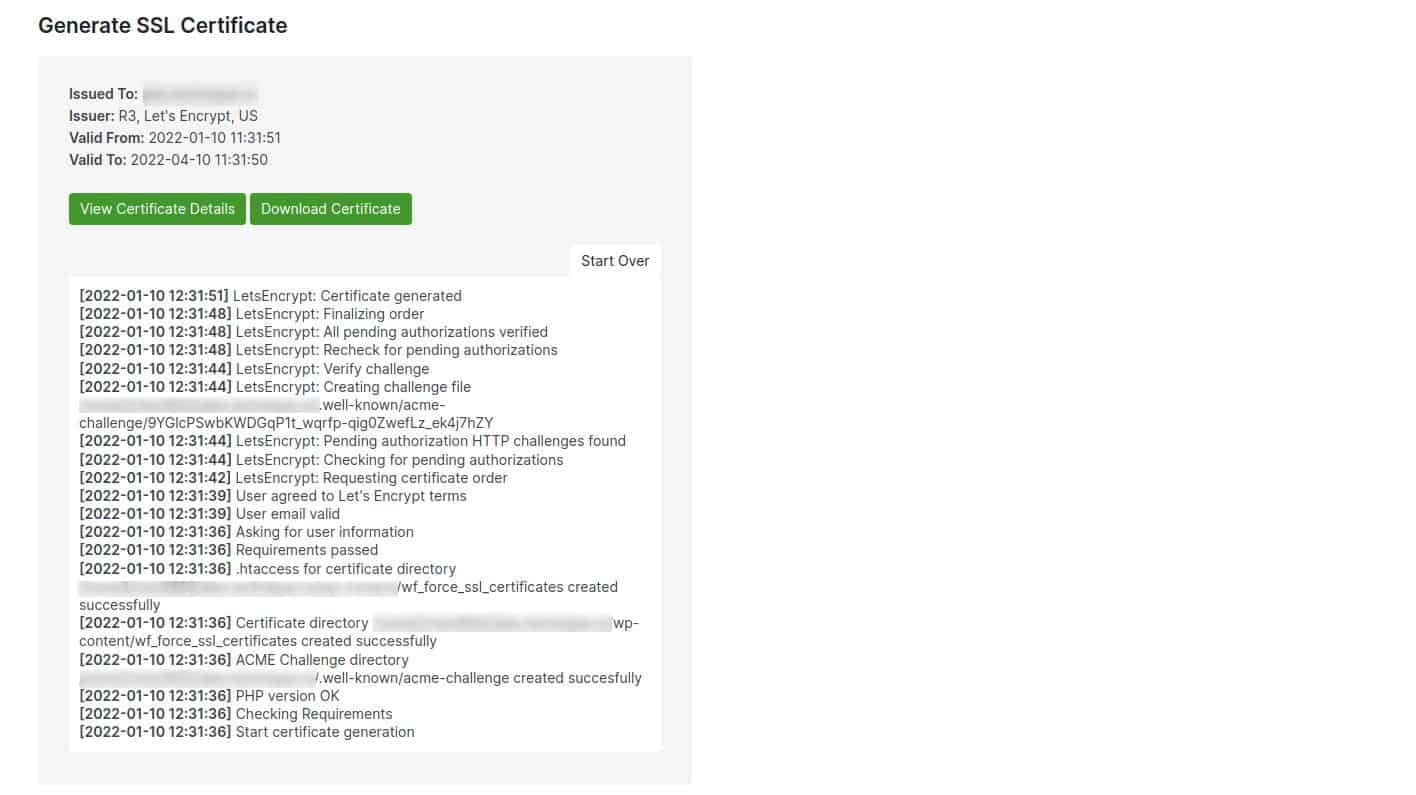
4. SSL/TLS Settings Mismatch
Another frequently overlooked area contributing to Error 521 is SSL/TLS configuration inconsistencies between Cloudflare and the origin server.
Ensure that:
- You are using the appropriate SSL mode in Cloudflare (Flexible, Full, or Full Strict).
- Your server has a valid SSL certificate installed if you're using Full or Full Strict mode.
To check your SSL mode:
- Log into your Cloudflare dashboard.
- Select your domain and go to the “SSL/TLS” tab.
- Verify if the selected SSL mode matches what's installed on your origin server.

5. Disable Other Security Plugins Temporarily
If you’re running a CMS like WordPress, security plugins (e.g., Wordfence, Sucuri, etc.) could be blocking requests that originate from Cloudflare. These plugins might interpret traffic as malicious and block the IPs even though they belong to Cloudflare.
Try disabling these plugins temporarily and re-check to see if Error 521 is resolved. If so, modify the plugin settings to allow Cloudflare’s IP ranges or mark them as trusted sources.
6. Review .htaccess or Web Server Rules
There may be conflicting rules in .htaccess or equivalent server config files that produce unintended behaviors. For example, an IP blocking rule could be actively rejecting Cloudflare’s attempts to connect.
Look for rules like:
Deny from [Cloudflare-IP]
Require not ip [Cloudflare-IP]
and remove or modify them appropriately.
Preventing Cloudflare Error 521 in the Future
While resolving Error 521 is crucial, it's just as important to prevent it from recurring. Here’s how:
- Continuously monitor your server health using tools like Uptime Robot, Pingdom, or server-side cron jobs that alert you during downtime.
- Set firewall rules correctly from the outset and review them periodically to ensure they haven’t blocked Cloudflare IPs inadvertently.
- Use Managed Hosting Providers who can handle security rules, server management, and SSL installations in alignment with Cloudflare's practices.
Still Seeing Cloudflare Error 521?
If you’ve gone through all the steps above and still receive an Error 521, it’s time to contact either your hosting provider or Cloudflare support directly. Be sure to provide:
- The time the error occurred.
- A traceroute or MTR report from your server to Cloudflare.
- Firewall logs, if available.
Final Thoughts
Cloudflare Error 521 is a serious warning that your server or its configuration is preventing Cloudflare from communicating properly. Although it may seem urgent and disruptive at first glance, it can usually be resolved with clear diagnostics and a few simple actions.
By taking a structured approach—checking server status, reviewing firewall rules, confirming web server operation, and aligning SSL settings—you can get your website back online quickly and reliably. The key lies in paying close attention to both the origin server and Cloudflare’s connectivity requirements, ensuring they work in harmony rather than at odds.
In the end, resolving this issue not only enhances your site’s uptime but also boosts the confidence your visitors have in your brand.