
Roku is an awesome streaming device. It gives you access to tons of shows, movies, and apps. But did you know there's more to Roku than meets the eye?
Hidden deep inside your Roku are secret menus. These menus are like backstage passes. You can check the temperature, network info, and even control updates. But, shhh… not many people know about them!
In this fun guide, you'll learn how to unlock these hidden treasures. No hacking. No tech degree needed. Just a few simple remote control codes. Ready to explore?
⚠️ Quick Warning Before We Start!
Be careful when using these hidden menus. Some options can change your Roku's settings or functions. Don’t click around unless you know what you’re doing. Always note what you change so you can undo it if needed.
Why Use Roku Secret Menus?
- Check technical info – like Wi-Fi strength or device temperature
- Update software manually – if it's stuck or glitchy
- Disable or enable certain modes – like developer settings
- Run system tests – to troubleshoot issues
Alright, time to break out the magic remote codes!
How to Access Roku Secret Menus
Here’s how it works. Use your Roku remote to press a special series of buttons. These open different secret menus. Below, we’ll explore the most useful ones.
1. Roku Platform Secret Menu
This menu shows the hardware info, temperature, and Wi-Fi strength.
Press: Home 5x > Fast Forward > Play > Rewind > Play > Fast Forward
This opens Roku’s “Platform Secret Screen.” It’s great if you're having signal or performance issues.

2. Secret Wi-Fi Menu
Having network issues? This menu shows your signal strength and other network details.
Press: Home 5x > Up > Down > Up > Down > Up
You'll see values like RSSI (signal power) and connection status. The colors will tell you if the signal is good (green), fair (yellow), or bad (red).
3. System Operation Menu
Want to check your Roku’s software updates or perform a factory reset?
Press: Home 5x > Fast Forward > Down > Rewind > Down > Fast Forward
This menu gives access to:
- Software updates
- Roku Reboot
- Factory reset (⚠️ this will erase everything!)
4. Developer Settings Menu
If you're into developing Roku apps or side-loading custom apps, this one’s for you.
Press: Home 3x > Up 2x > Right > Left > Right > Left > Right
You’ll see the option to enable Developer Mode.
5. Bit Rate Override Menu
Streaming choppy? This lets you set a custom bit rate.
Press: Home 5x > Rewind 3x > Fast Forward 2x
Use this to throttle down your streaming bit rate. It can help with buffering issues on slow internet.
6. Channel Info Menu
Shows details about the channels installed on your Roku.
Press: Home 3x > Up 2x > Left > Right > Left > Right > Left
Here you can view version numbers and update info for each channel.

Tips to Use the Secret Menus
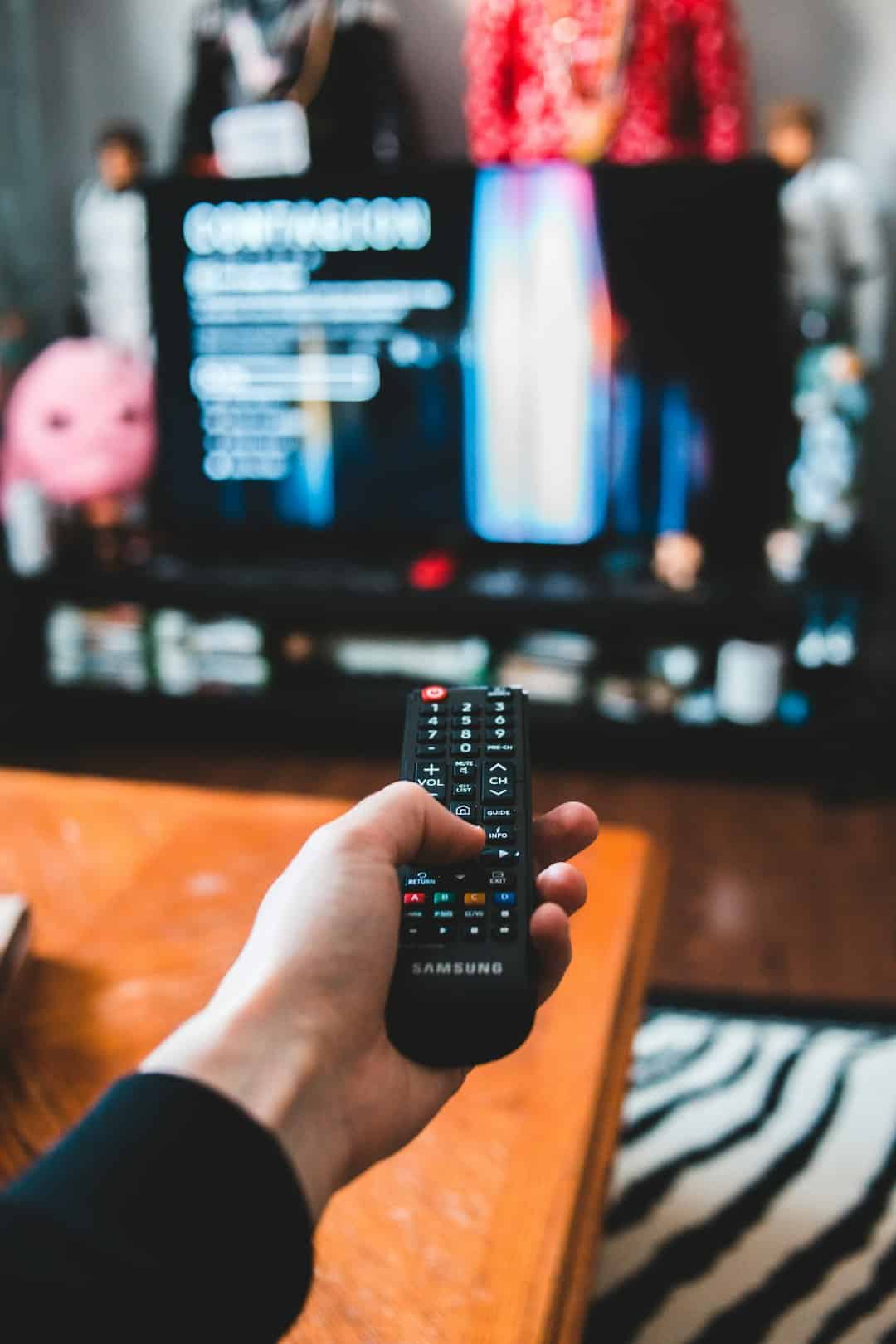
Using the secret menus is easy once you get used to the remote patterns. Here are some tips:
- Use the Home button smartly – most combinations start with Home 5x
- Be quick – you have to enter the key sequence fast, like within a few seconds
- Follow your screen – wait for the screen to respond after entering the code
- Don’t panic – if nothing happens, just try again. Press Home to exit any weird screen
Fun Things to Check Out in Secret Menus
Now that you’ve unlocked the backstage of Roku, here are some cool things you can try.
- Device Temperature: Keep an eye on it to avoid overheating.
- Wi-Fi Strength: Adjust your router or Roku’s position for the best signal.
- Manually Trigger Updates: Useful if you think your Roku didn’t update right.
- Reboot Without Unplugging: Use the secret menu options for a digital refresh.
- Restrict Bandwidth: If you’re on a tight data plan, cap that streaming quality.
FAQs About Roku Secret Menus
Q: Can I mess up my Roku using secret menus?
A: Yes, if you change critical settings. Be cautious and only use the features you understand.
Q: How do I exit a secret menu?
A: Usually, pressing the Home button takes you back to the main screen.
Q: Do all Roku remotes work for this?
A: Yes, the codes work on all official Roku remotes, including IR and enhanced remotes.
Q: Will I void my warranty?
A: Nope! These menus are built into Roku, so using them doesn’t void the warranty unless you misuse them.
Hey, Did You Know…
- You can check HDMI connection details in secret screens.
- There’s a screen that shows how long your Roku has been turned on!
- Secret codes don’t change. They're always the same across devices and updates.
What If the Codes Don’t Work?
- Make sure your Roku remote is working and has fresh batteries.
- Try pressing the buttons faster – it’s all about timing!
- Make sure you're on the Home screen, not inside an app or settings.
Final Thoughts
Roku secret menus are like hidden cheat codes in a video game. They give you cool tools to check your device, fix problems, and learn more about your streaming setup.
Just remember – with great power comes great responsibility. Don’t mess with settings you don’t understand. But feel free to explore and have fun!
Think of yourself as a Roku explorer, diving into the digital jungle of menus and magic codes. Happy streaming!