
Wireless technology has become the standard in gaming. Many players want to connect Bluetooth headsets, speakers, or controllers to their console. That’s why one of the most common questions Xbox users ask is simple: does Xbox have Bluetooth?
At first, it may seem like the answer should be yes. After all, Bluetooth is everywhere — phones, tablets, laptops, and even competing consoles like the PlayStation. But Xbox works differently, and that’s where the confusion starts.
Does Xbox Have Bluetooth Built-In?
Xbox Wireless is a proprietary protocol designed for low-latency communication between the console and its accessories. It runs on a 2.4GHz frequency, giving faster response times than standard Bluetooth. This is important for gaming, where even a small delay in audio or controller response can affect the experience.
So while your Xbox doesn’t support Bluetooth headsets or generic Bluetooth devices, it does support wireless connections — just not through standard Bluetooth.
Do Xbox Controllers Have Bluetooth?
The story changes a bit when it comes to controllers. Early Xbox One controllers did not include Bluetooth at all, which meant they could only connect to the console through Xbox Wireless.
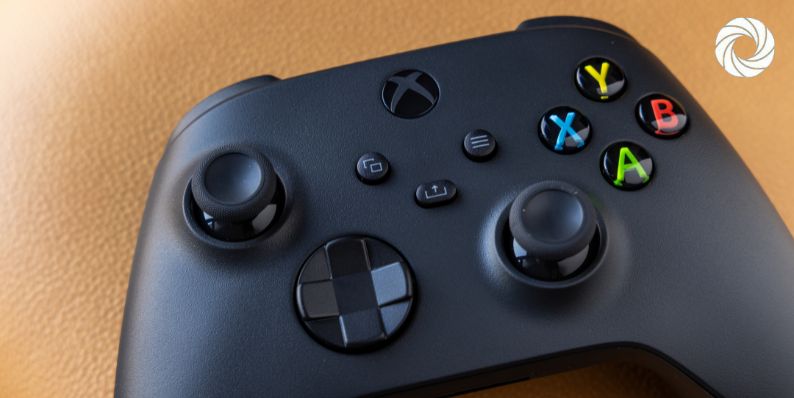
But starting with the Xbox One S controller, Microsoft added Bluetooth support. All Xbox Series X and Series S controllers also come with Bluetooth built in. This means you can use your Xbox controller on a Windows 10/11 PC, an Android phone, or even an iPhone through Bluetooth.
On the console itself, though, the controller still connects using Xbox Wireless, not Bluetooth. The Bluetooth feature is mainly for cross-device compatibility.
Why Doesn’t Xbox Use Bluetooth for Headsets?
A big question is why Xbox doesn’t just use Bluetooth for audio like most other devices. The reason comes down to latency.
Bluetooth audio introduces delays between the game and what you hear. Even a small lag can ruin a competitive match or make dialogue feel out of sync. Microsoft avoided this problem by designing Xbox Wireless, which offers much lower latency and more stable connections for gaming headsets.
That’s why if you want the best wireless audio experience on Xbox, you need headsets built for Xbox Wireless, not Bluetooth.
Alternatives to Bluetooth on Xbox
Even though Xbox doesn’t support Bluetooth accessories, you still have plenty of options to go wireless or connect your audio gear.
- Xbox Wireless Headset – Microsoft’s official headset, built for Series X/S and Xbox One.
- Third-party headsets with Xbox Wireless dongles – Many gaming headsets include their own USB dongle that connects directly to Xbox.
- Headphones through controller jack – Most Xbox controllers include a 3.5mm jack for wired headsets.
- Audio extractors – Some players use optical or HDMI adapters to route audio to other devices.
- Bluetooth transmitters – While not official, these devices plug into the controller or console and send audio to Bluetooth headphones.
Connecting Xbox Controllers via Bluetooth to Other Devices
Even though Xbox consoles don’t support Bluetooth accessories, Xbox controllers are a little different. With Bluetooth support in newer models, they can connect to other devices easily.
You can pair your Xbox controller with a Windows PC to play through Xbox Game Pass, with an Android phone for mobile gaming, or with iOS devices for cloud gaming. This flexibility makes the controller one of the most versatile accessories Microsoft has released.
Conclusion
So, does Xbox have Bluetooth? The console itself does not support Bluetooth for headsets or accessories. Instead, it relies on Xbox Wireless, which gives faster, more reliable performance for gaming. However, newer Xbox controllers do include Bluetooth, making them useful beyond the console.
If you’re hoping to connect Bluetooth headphones directly to your Xbox, it won’t work. But if you invest in Xbox Wireless headsets, dongles, or use a wired option, you’ll still get great audio. For controllers, Bluetooth support is there — just not for the console’s main wireless system.