
Many people wonder if Slack tells someone when you take a screenshot of a message or a channel. It is a common worry, especially when you work in a team or share private chats. This guide explains how Slack handles screenshots, what it does not do, and how you can stay safe while using it.
What Screenshot Notification Means?
Some apps, like Snapchat, tell people when someone takes a screenshot. This makes users feel safer because they know who saved their messages or photos. People expect the same kind of alert in other apps.
Slack works differently. It focuses on work communication. People share files, links, and private conversations. Because of that, users worry about what screenshots reveal and whether Slack tracks them.
Does Slack Notify Screenshots?
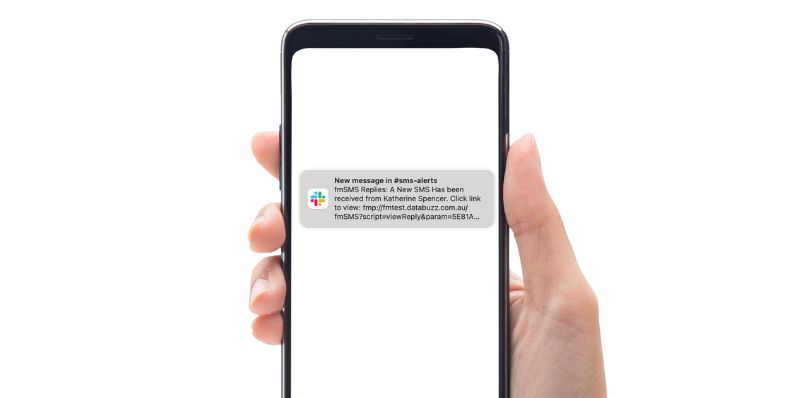
Slack also cannot block screenshots. It has no way to detect screen capture tools on your device. This is true on desktop, mobile, and web. So if someone takes a screenshot of a message you send, you will not know about it.
Common Reasons People Think Slack Might Notify
People get mixed up for a few reasons:
- Many workplaces monitor things in general
- Some apps do send screenshot alerts
- Slack stores messages for a long time
- Admins can access data under certain tools
- People worry about private chats
- Slack logs edits and deletions
- Workspace rules may sound strict or confusing
These things make users think Slack can see screenshots, but it cannot.
What Slack Admins Can Actually See?
Slack admins cannot see when someone screenshots anything. The screenshot stays on the user’s device. It never goes to Slack’s servers as a special event.
However, admins may have access to some parts of your data depending on the workspace plan. For example:
- They may read messages if compliance export is turned on
- They can see files stored in channels
- They may check audit logs for activity
- They may set retention rules for old messages
This is about message access, not screenshot detection. Admins still cannot see your screen.
Who Should Care About Screenshot Privacy?
Anyone who shares private chats, sensitive work info, or personal details should understand how Slack works. It helps employees, students, contractors, and remote workers stay aware of what others can see.
Conclusion
Slack does not notify screenshots. It cannot detect them. It does not block them. Messages can still be viewed by admins under certain plans, but screenshots are completely invisible to Slack. Good privacy habits make the app easier to use and help you feel more comfortable. If this guide answered your question, feel free to share it with someone else who may be confused by the same thing.