

The internet is filled with a wide array of status codes that communicate how requests between clients and servers have been processed. Among these, the 422 Error Code, also known as “Unprocessable Entity”, is a relatively lesser-known HTTP status code but one that can cause confusion for developers and users alike. Understanding what this error means, why it occurs, and how to fix it is essential for maintaining seamless website functionality and user experience.
What is a 422 Error Code?
The 422 Unprocessable Entity error is an HTTP response status code that indicates the server understands the content type of the request entity (usually JSON or XML), and the syntax of the request is correct, but it was unable to process the contained instructions. Simply put, it means the server knows what you’re asking, but something in the submitted data is causing processing to fail.
The 422 error is most commonly encountered in RESTful APIs and web applications using backend frameworks that handle JSON request processing. It is issued by a server when the request is well-formed but contains semantic errors.


Common Causes of a 422 Error
Several specific issues can trigger a 422 error. These include:
- Validation Errors: The submitted data does not meet validation rules (e.g., missing required fields or incorrect formats).
- Incorrect Field Types: A field expects an integer and receives a string instead.
- Logical Errors: For example, trying to create a user account with an already existing email address when email uniqueness is enforced.
- Broken JSON or XML: The structure is syntactically correct, but the content doesn't align with expected logic.
The key to understanding this code is that it's not just about syntax or formatting — it’s about the server being unable to process meaningful content provided by the client.
Where You Might Encounter This Error
The 422 status code mostly appears in:
- API Requests: Especially when using POST and PUT methods.
- Form Submissions: If the backend fails to validate form inputs.
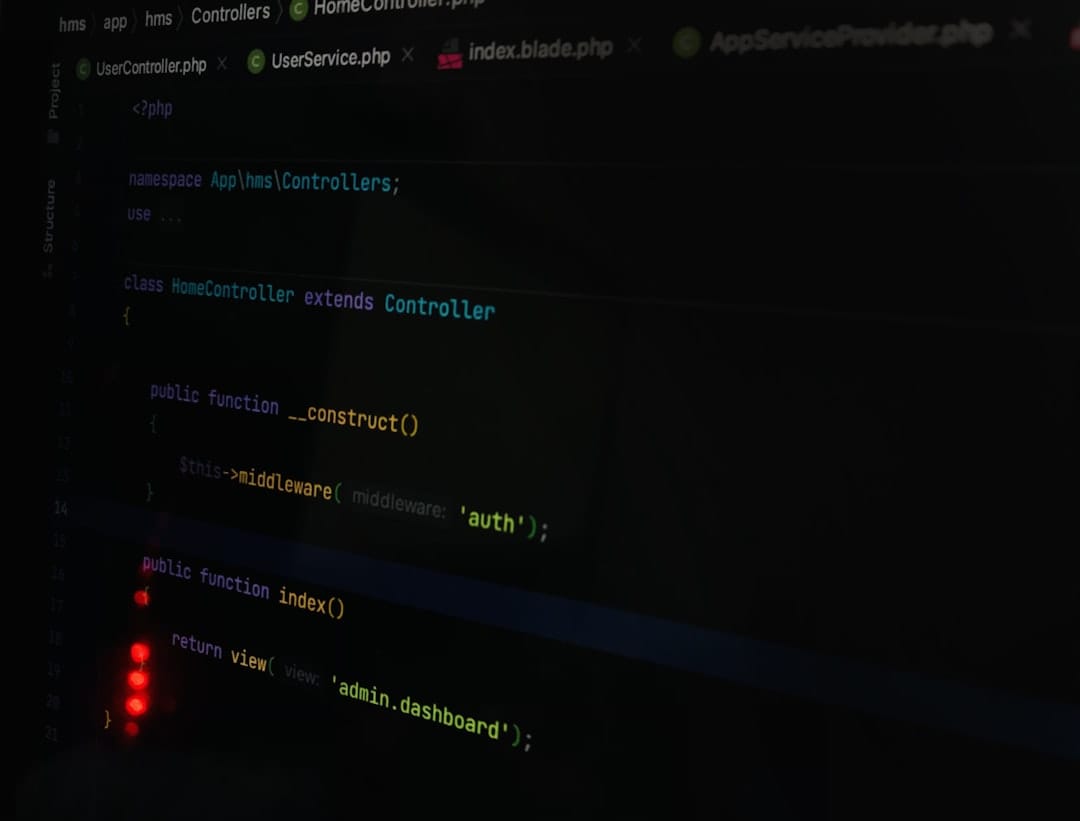
- Web Frameworks: Frameworks like Laravel or Ruby on Rails often make use of the 422 code for form error handling and data integrity enforcement.

Differences Between 422 and Similar Errors
Sometimes, the 422 error is confused with other common status codes like 400 Bad Request or 500 Internal Server Error. Here's how they differ:
- 400 Bad Request: This usually indicates that the syntax of the request is flawed or incomprehensible to the server.
- 422 Unprocessable Entity: Syntax is correct, but the content has semantic issues that the server cannot process.
- 500 Internal Server Error: Indicates a server-side issue, often unrelated to the client's request.
Understanding these distinctions can significantly speed up debugging and improve the efficiency of error resolution.
How to Fix a 422 Error
Fixing a 422 error involves identifying and correcting the data input or validation rules that are causing the issue. Here are some steps developers and site owners can take:
1. Check Server-Side Validation Rules
Review the validation logic in your backend application. Look for required fields, data format expectations, and uniqueness constraints. If a field like “email” is required to be unique, submitting a duplicate will trigger a 422.
2. Analyze the Response Body
A properly configured API or backend application will often return a detailed message explaining what went wrong. Parse this message to identify specific fields or constraints that are failing.
3. Confirm Data Types and Formats
Ensure that each input field contains the correct data type (e.g., number vs. string). Also, check date formats and other parameters that must conform to predefined standards.
4. Use Developer Tools and Logs
Browser developer tools, such as the Network tab in Chrome DevTools or the console in Firefox Developer Edition, can show the full request and response. Server logs can provide additional context.
5. Test with Alternate Inputs
Try submitting slightly different requests with varying values to pinpoint the problematic field. A process of elimination can help identify what’s causing the issue.
6. Review API Documentation
Ensure the API or server endpoint is being used correctly, following all requirements like headers, authentication, or accepted field values.
Best Practices to Prevent 422 Errors
Preventing these errors before they happen can save a great deal of development time. Some tips include:
- Implement Client-Side Validation: Use JavaScript to validate input before sending it to the server.
- Use Descriptive Error Messages: Return helpful error messages that inform users or developers what went wrong.
- Follow API Specifications: Always adhere to schema requirements, and keep API documentation up-to-date.
- Log All Requests and Errors: Enable logging to capture erroneous submissions for review and troubleshooting.
Conclusion
The 422 Error Code might not be as infamous as a 404 or 500, but it's an important status code for developers working with modern APIs and web forms. Understanding that a 422 means the server understands the request but cannot process it due to semantic issues is crucial for correctly diagnosing and fixing problems.
With the right debugging strategies, proper input validation, and a clear understanding of how this error behaves, developers can resolve or even prevent the 422 status, ensuring smoother client-server communication and a better user experience.
Frequently Asked Questions (FAQ)
-
Q: Is a 422 error a client-side or server-side issue?
A: It is primarily a client-side issue, meaning the client sent a request that the server cannot process due to semantic errors in the submitted data. -
Q: Does a 422 error mean the server is down?
A: No, it means the server is online and understood the request, but the content was invalid and couldn't be processed. -
Q: Can a 422 error be fixed by clearing the browser cache?
A: Typically not. This error relates to submitted data, not cached resources. Fixing the data being sent usually resolves it. -
Q: Are 422 errors permanent?
A: No, they indicate a temporary issue with the specific request. Fixing the validation issues will allow the request to be processed. -
Q: Is the 422 code a standard part of the HTTP specification?
A: It was introduced in WebDAV (an extension of HTTP) and is commonly used with modern APIs and web frameworks, even though not part of the core HTTP/1.1 specifications.